Introduction
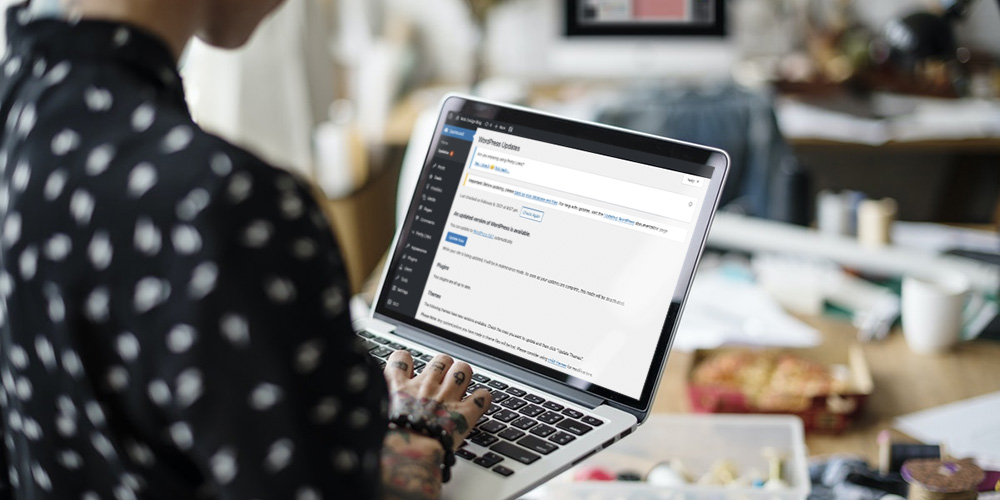
WordPress admin notices are messages displayed in the WordPress admin dashboard to inform administrators about important updates, errors, or actions required. These notices are crucial for keeping users aware of the status of their website, plugins, or themes.
Types of Admin Notices
There are several types of admin notices in WordPress, including:
- Update Notices: Alerts about new versions of WordPress, plugins, or themes.
- Error Notices: Notifications about issues, such as plugin conflicts or configuration errors.
- Success Notices: Confirmations that an action (e.g., saving settings) was completed successfully.
- Warning Notices: Alerts about potential issues that don’t prevent functionality but need attention.
- Informational Notices: General messages, such as tips or announcements from plugins.
How Admin Notices Work
Admin notices are generated by WordPress core, plugins, or themes using the admin_notices action hook. Developers can add custom notices using PHP code to communicate specific information to users. These notices typically appear at the top of the admin dashboard and can be dismissible or persistent.
How to Manage Admin Notices
Users can manage notices by:
- Updating plugins, themes, or WordPress to resolve update-related notices.
- Checking plugin or theme settings to address errors or warnings.
- Using plugins like “Disable Admin Notices” to hide non-essential notices.
- For developers, custom code can be written to suppress or modify notices.
Conclusion
WordPress admin notices are an essential communication tool in the WordPress ecosystem, helping administrators stay informed and take necessary actions. By understanding their types and best practices, users and developers can ensure a smoother and more efficient WordPress experience.
Leave a Reply